Scan with confidence
Point your camera at a QR code or barcode, or choose an image from your photo library. QR Scanner & Barcode recognizes popular formats and shows the encoded content before you act.

QR Scanner & Barcode
Scan, create, and style codes
QR & Barcode Toolkit
Scan QR codes and barcodes in seconds, create codes for the things you share every day, and turn ordinary QR codes into designs that fit your style.
No account required. Available for iPhone and Android.

Features
From opening a menu to sharing Wi-Fi or designing a code for your next project, QR Scanner & Barcode brings scanning, creation, customization, and history into one simple workflow.
Point your camera at a QR code or barcode, or choose an image from your photo library. QR Scanner & Barcode recognizes popular formats and shows the encoded content before you act.
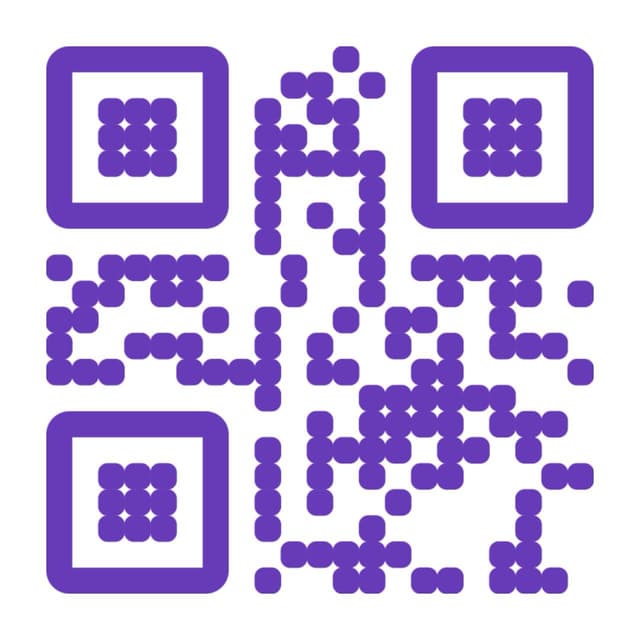
Make QR codes for websites, contacts, Wi-Fi, locations, messages, email, social profiles, PayPal, media links, plain text, and barcode content.
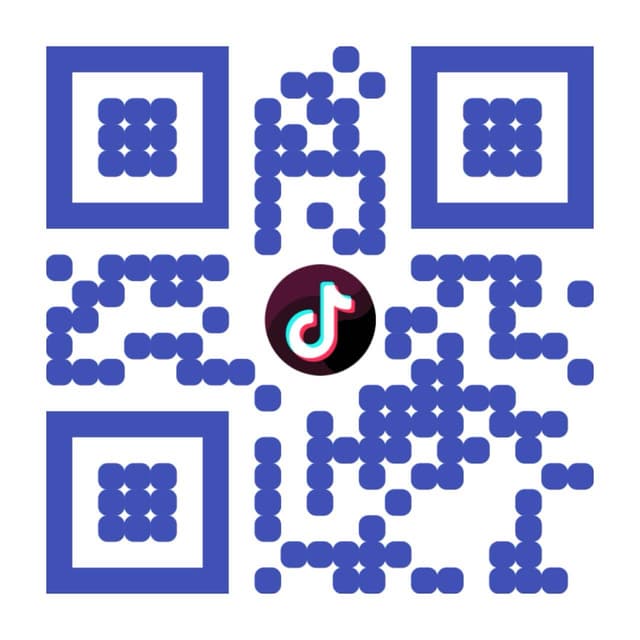
Choose colors, shapes, eyes, frames, logos, and artistic templates to create a QR code that feels like yours. Always test a customized code before publishing it.
Your scanned, created, and customized codes are organized in local history on your device, so you can return to useful results without starting over.
How it works
01
Use your camera, pick an image, or choose the kind of QR code you want to make.
02
Check decoded content before opening it, or personalize a new code with colors, frames, and templates.
03
Save the finished QR code to your photos, copy its content, or share it through apps on your device.
Art QR
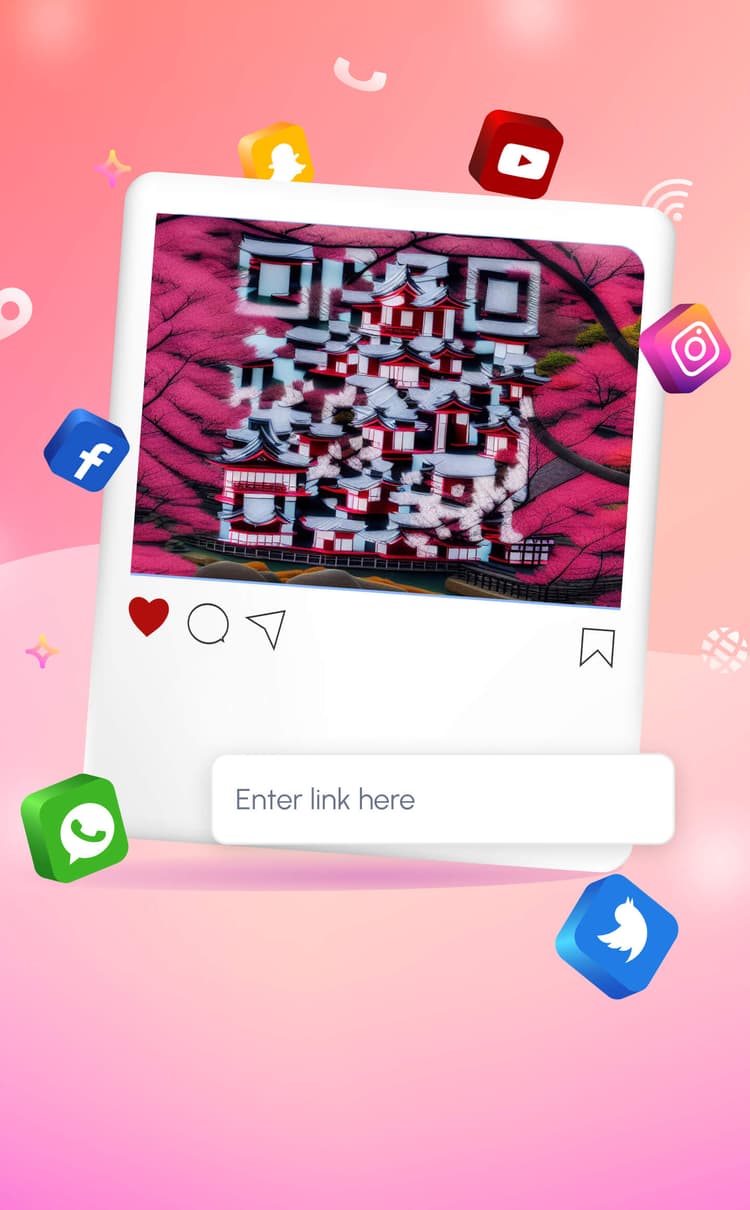
Start from your own QR content or restyle an existing code. Explore artistic templates, color combinations, frames, and logo options, then export a design ready to share.
Decorative choices can affect readability. Test your finished QR code on multiple devices and at its intended print or display size before distribution.
Create and recognize useful QR content for the way you connect, communicate, and share.
Availability of an action may depend on your device, installed apps, region, and the content encoded in the code.
The app supports QR Code, EAN-13, EAN-8, UPC-A, UPC-E, Code 128, Code 39, Code 93, ITF, PDF417, Aztec, Codabar, and Data Matrix formats. Recognition can depend on image quality, lighting, damage, and code design.
Yes. Choose the gallery option and select an image. The app requests photo access only when the related feature needs it.
No account is required in the current version of QR Scanner & Barcode.
Scan, creation, and customization history is stored locally in the app on your device. Uninstalling the app generally removes local app data, subject to device backup and operating-system behavior.
Manage Apple subscriptions at apps.apple.com/account/subscriptions or Google Play subscriptions at play.google.com/store/account/subscriptions. Deleting the app does not cancel an active subscription.
Email [email protected] and include your device model, operating-system version, app version, and a short description of the issue.
Scan, create, and style QR codes with QR Scanner & Barcode.